

Electronic Documents

Task Management / Workflow Queues
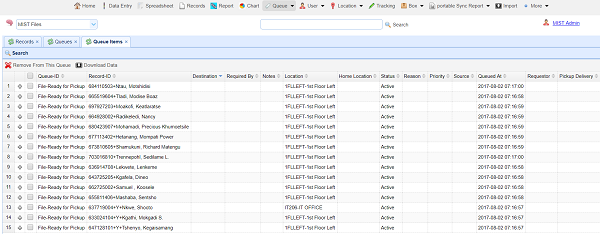
SmartTraxx includes a queuing utility that enables records to be manually or automatically added to a task list.
For example, ‘print label’, ‘pull file’, ‘archive record’, security alert, etc.
Records remain in task lists until the task is completed. Once a task is completed, the record removes from the queue. An audit trail record is created for each task and for each task’s fulfillment.
Task lists can also be static, meaning that records remain in the task list but show the status of task fulfillment. The task list remains intact until User determines that the task list is no longer required, and the task list is deleted.
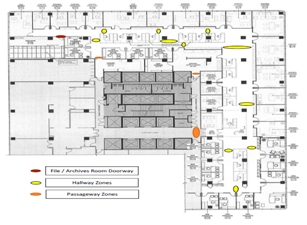
Desktop scanners and RFID detection zones can be named as a task in the database. When a User queries the database for a record, SmartTraxx will display the task/location of the record, including the time/date that the record arrived at the task/location, and, when the record arrived at the next location/task.
Task lists (queues) can be printed as a single document and/or as documents for each task in the list.